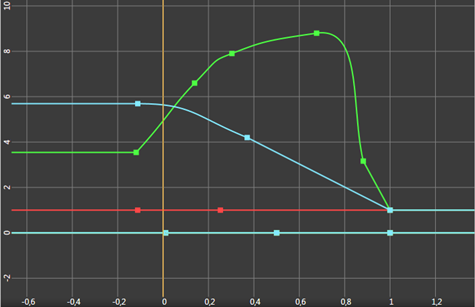
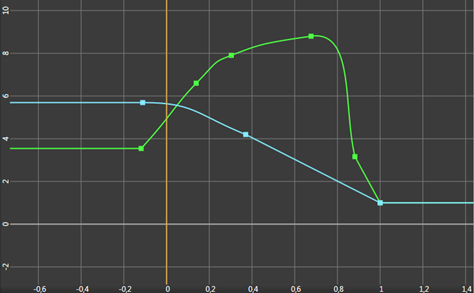
Removing redundant Animation Data channels
Note that the static values in Animation Data resources have higher precedence than the local property values of the node. When you delete a channel with a static value, the local value becomes effective. Because sometimes even static values (Animation Data resources without any keyframes) contain valid information and are needed, consider cleaning up unnecessary animation information on a case by case basis.
To remove the redundant Animation Data resources:
- In the Library select Animations > Animation Clips and select your animation clip.
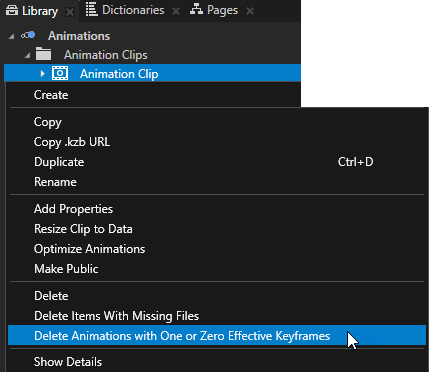
- Right-click the animation clip for which you want to remove the redundant Animation Data resources and select Delete Animations with One or Zero Effective Keyframes.
These images show the same Animation Clip before and after removing the Animation Data resources without effective animations.